
Tekunda Team

Tekunda Team
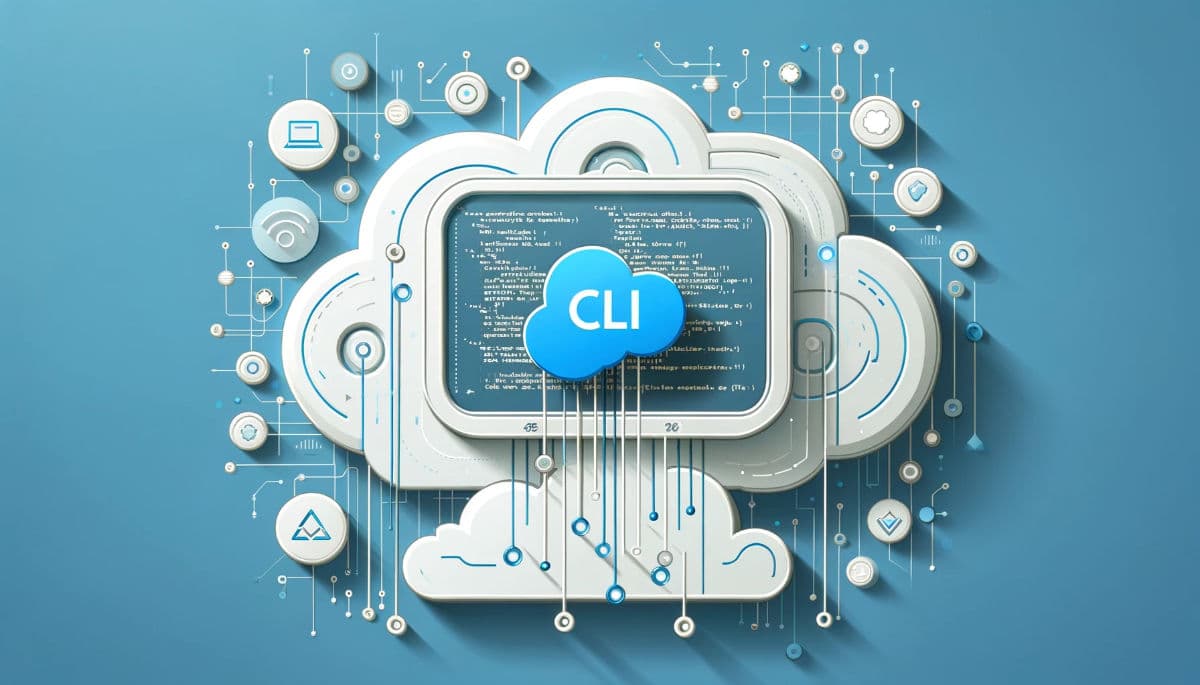
The Salesforce CLI (sf) matters because it moves the source of truth for
your org out of clicks in Setup and into files a team can read, review, and script.
That single shift is what separates a solution that happens to work from one that
stays maintainable as the team and the org grow.
Most orgs drift because changes live only in the click-trail of whoever made them. A permission set gets edited by hand, a validation rule gets tweaked, and six months later nobody remembers why. The CLI does not fix people; it fixes the record. Every command it runs operates on metadata files in your project directory, so every change is diffable, reviewable, and reversible, the same way application code already is.
Source-driven development means your local files, not the org, are authoritative. You
retrieve metadata with sf project retrieve start, edit it in an IDE with
real syntax checking, and push it back with sf project deploy start. The
org becomes a target you deploy to, not a place where configuration quietly
accumulates. For a product-engineering team, this is the difference between debugging
"what changed" by asking around and debugging it by reading a commit.
A scratch org is a full, disposable Salesforce environment defined by a JSON file and spun up with one command. Because it is disposable, engineers stop being precious about testing in it. Create a scratch org, push a feature branch into it, run the destructive test case you were nervous about, then delete it, with zero risk to any shared sandbox. Teams that adopt this habit catch more edge cases before code reaches a shared environment, because thorough testing costs almost nothing.
A surprising amount of it, yes. Anything you do repeatedly by hand in Setup is a
candidate for a script built on sf commands: reassigning permission sets
after a release, loading a consistent test data set with
sf data import tree, or auditing which profiles have a given field-level
security setting. Scripting these tasks does two things a manual process cannot: it
makes the step identical every time, and it makes the step something a junior engineer
can run safely without tribal knowledge.
This is especially valuable on solutions with real complexity underneath, like custom integration logic or a managed package with a namespace to protect. Namespaced scratch orgs let you validate packaging behavior in an environment that actually resembles production, rather than finding out about namespace collisions after a release.
The CLI is plugin-extensible, so teams are not limited to the built-in command set. Plugins exist for static code analysis, dependency graphing between packages, and bulk data operations that would otherwise mean writing one-off scripts by hand. A well-maintained plugin is usually faster and more reliable than building the equivalent tooling in-house, and it keeps the workflow inside the same command-line habit your engineers already have.
None of this is about running a pipeline for its own sake. It is about giving a team the same engineering discipline on Salesforce that they would expect on any other platform: reviewable changes, repeatable environments, and less time re-discovering how the org actually works. If your team is building something on Salesforce that needs to hold up under real usage, that discipline is worth investing in early. Our product development team builds this way by default; reach out if your process has more friction than it should.
Do I need DevOps experience to use the Salesforce CLI?
No. The core commands, like creating a scratch org or deploying source, are approachable for any developer or technical admin willing to work from the command line.
Is a scratch org the same as a sandbox?
No. Scratch orgs are temporary and defined by a config file, typically lasting days, while sandboxes are longer-lived copies of production used for staging and QA.
Can the Salesforce CLI manage both code and configuration?
Yes. It retrieves and deploys any metadata type, including Apex, Lightning components, flows, permission sets, and object definitions, not just code.
What is the fastest way to start using it well?
Pick one repetitive manual task, like permission set assignment after a release, and script it first. Small, real wins build the habit faster than a full workflow overhaul.